
Documentation
Everything you need to know about e-invoicing.
Guides for every feature of ezRechnung: from your first sign-in to XRechnung, ZUGFeRD, credit notes, payment reminders and DATEV export. Clearly explained, with real screenshots.
- EN 16931
- KoSIT validated
- XRechnung & ZUGFeRD
- GoBD archive
Sections
Pick a topic
Getting startedCreate an account, set up your company, send your first e-invoice.6 pagesInvoicesCreate, customers, products, drafts, templates and recurring invoices.DeutschE-invoicingXRechnung, ZUGFeRD, Leitweg-ID, KoSIT validation, import and conversion.DeutschCancel and correctCredit notes, cancellations and corrected invoices (GoBD).DeutschSending and paymentSending, GiroCode, PayPal, reminders, live status and chat.DeutschReceived invoicesReceive, read, approve and pay e-invoices.DeutschAccount and plansFree, Starter, Business, companies, DATEV, GoBD and settings.DeutschFAQAnswers to the most common questions about ezRechnung and e-invoicing.1 page
Workflow
How an invoice works in ezRechnung
- 01CreatePick a customer, add line items. Everything is saved automatically.
- 02ValidateThe official KoSIT validator checks against EN 16931 and XRechnung.
- 03PreviewPick a design and see exactly what your customer receives.
- 04Issue & archiveNumbered, unchangeable, 10-year GoBD archive.
- 05SendBy e-mail, through ezRechnung or as a file for public portals.
- 06Get paidGiroCode, live status, reminders and credit notes.
Templates
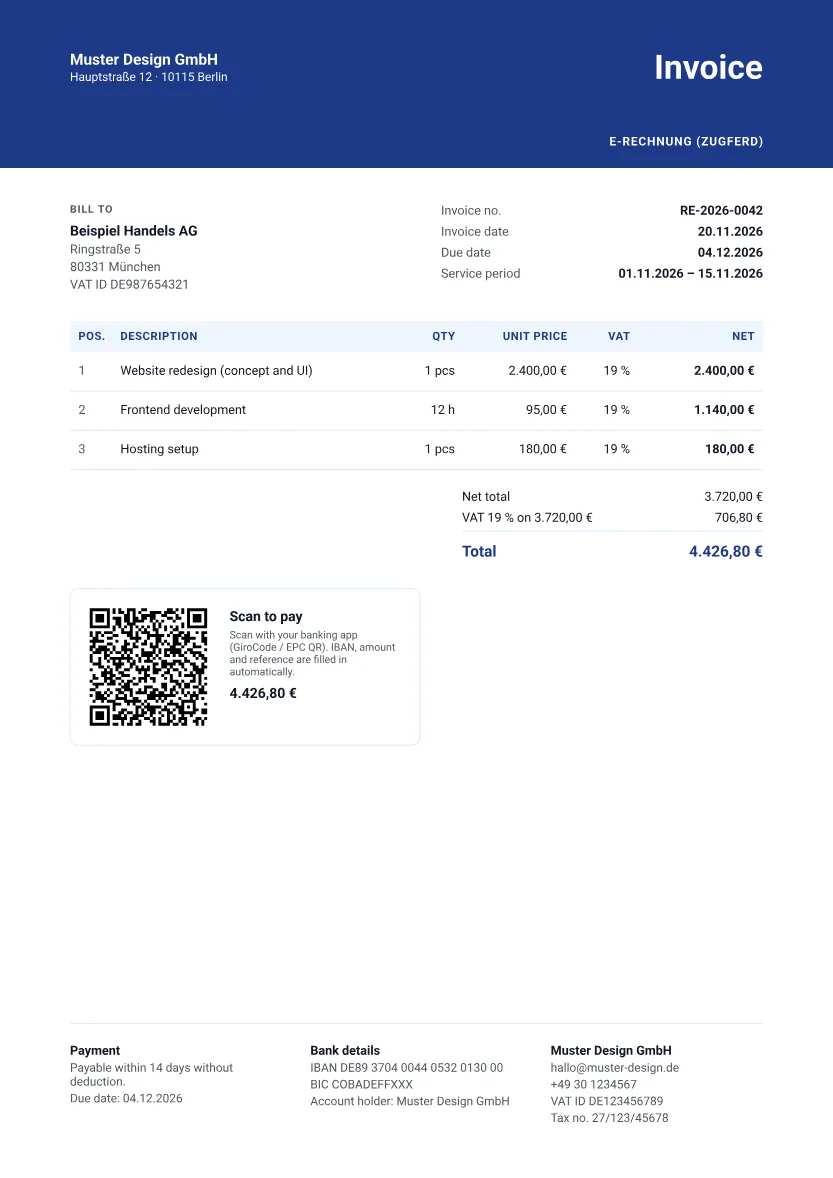
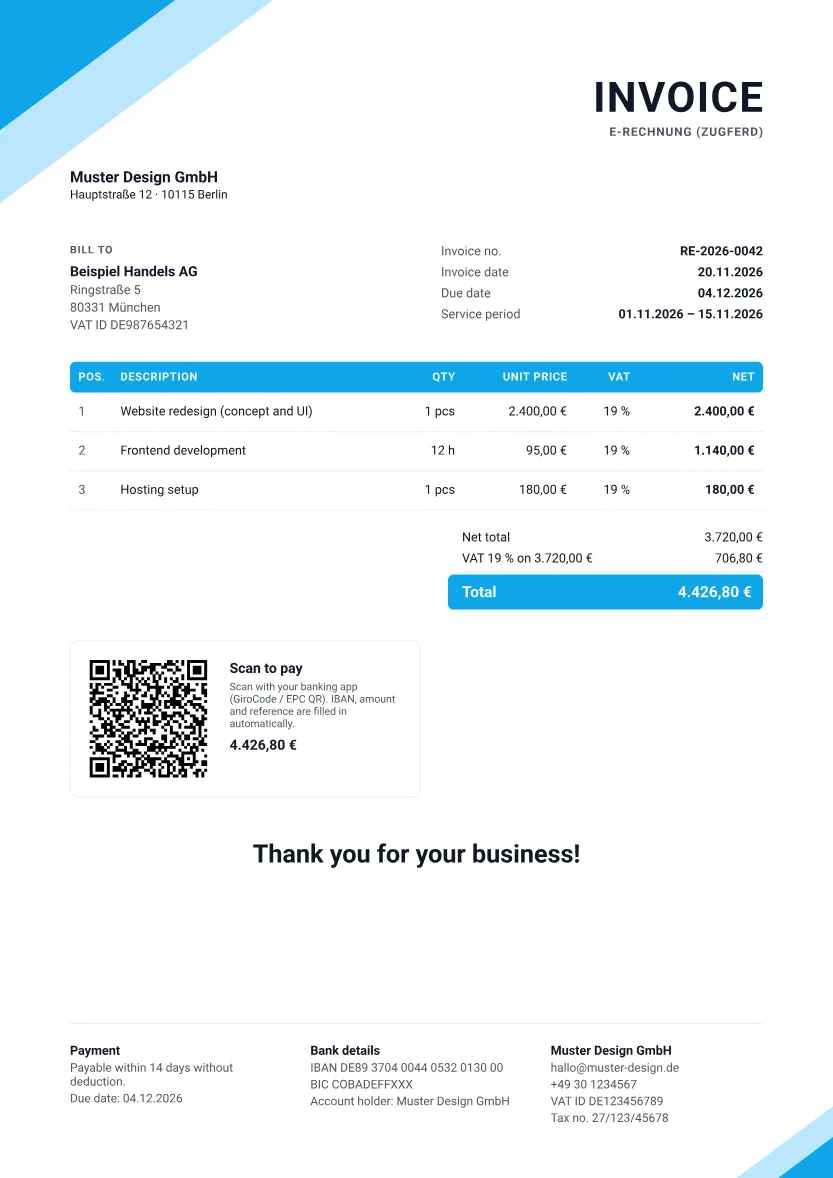
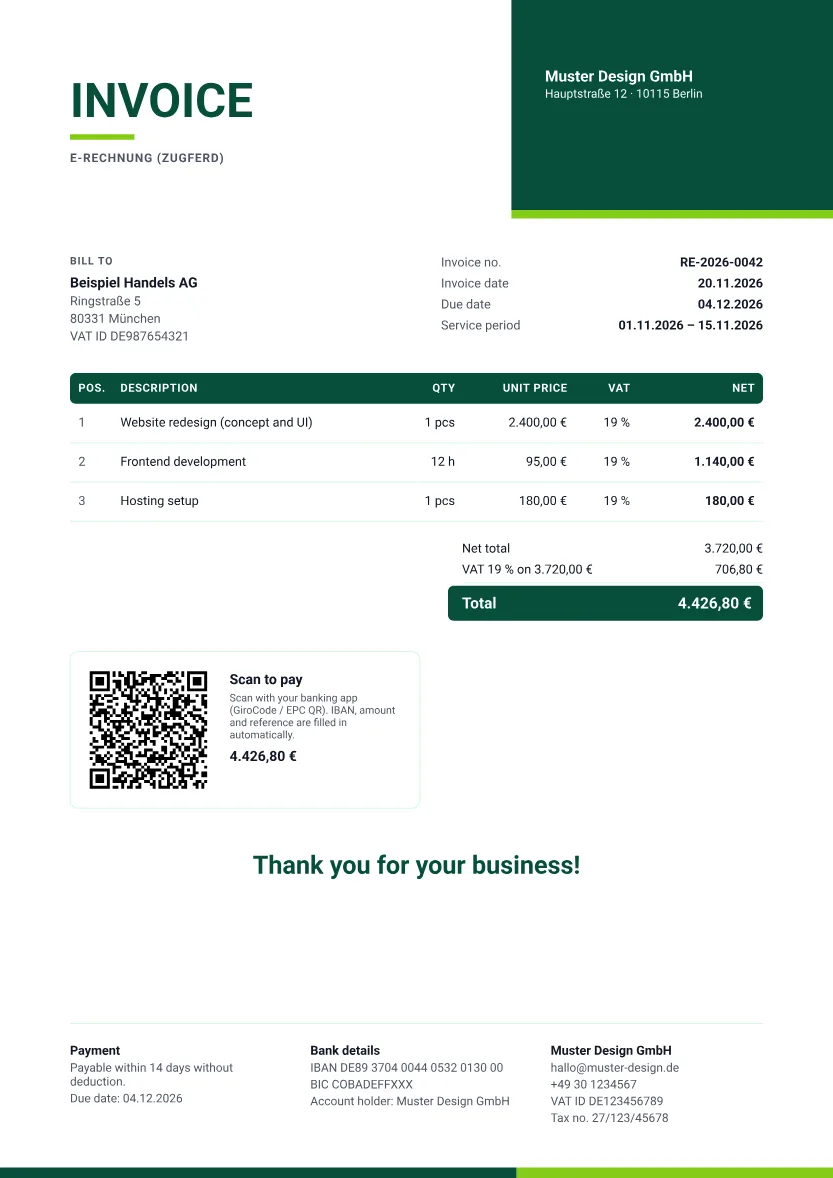
Your invoice, your design
Classic and modern PDF layouts in any color, with your logo. The e-invoice data stays the same and valid in every design.
Browse templates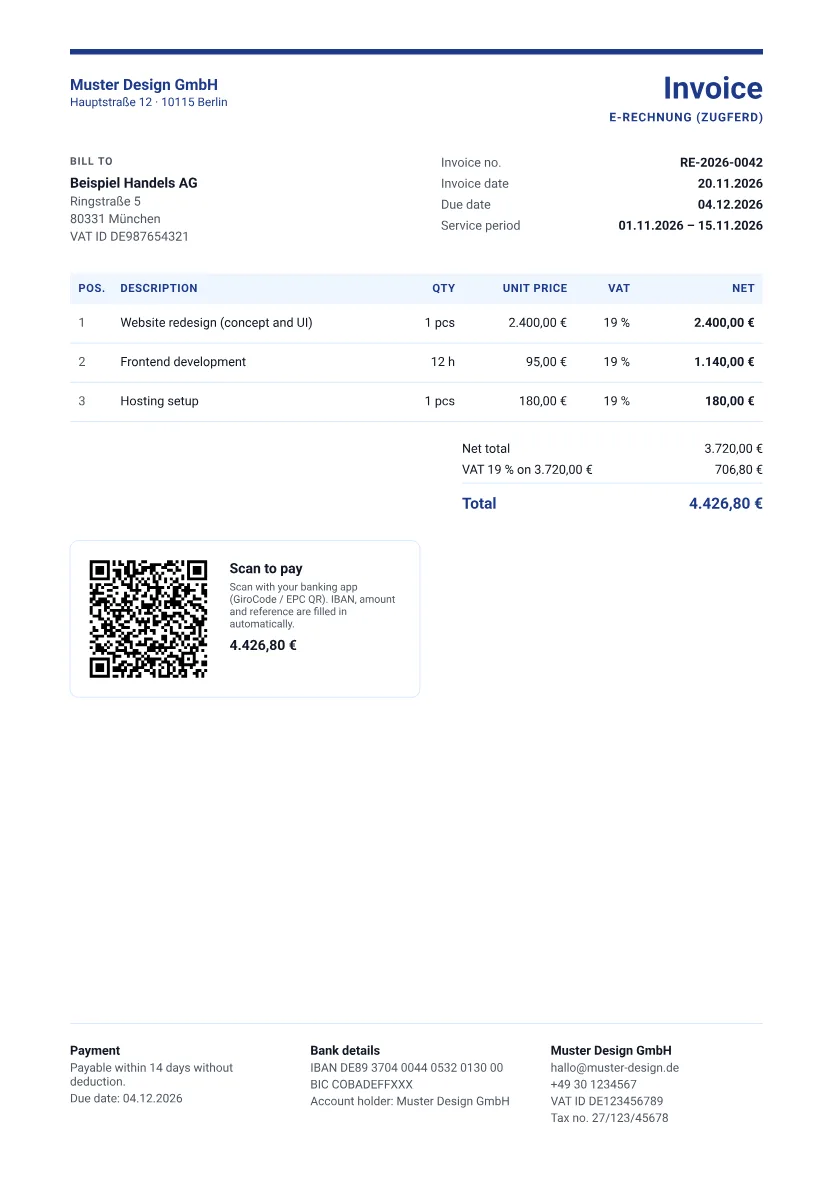
Ready for your first e-invoice?
The Free plan is free forever: 5 validated e-invoices per month, no credit card.