
Getting started
Getting started with ezRechnung
What ezRechnung is, who it is for and how to create your first valid EN 16931 e-invoice (XRechnung or ZUGFeRD) in a few minutes.
On this page
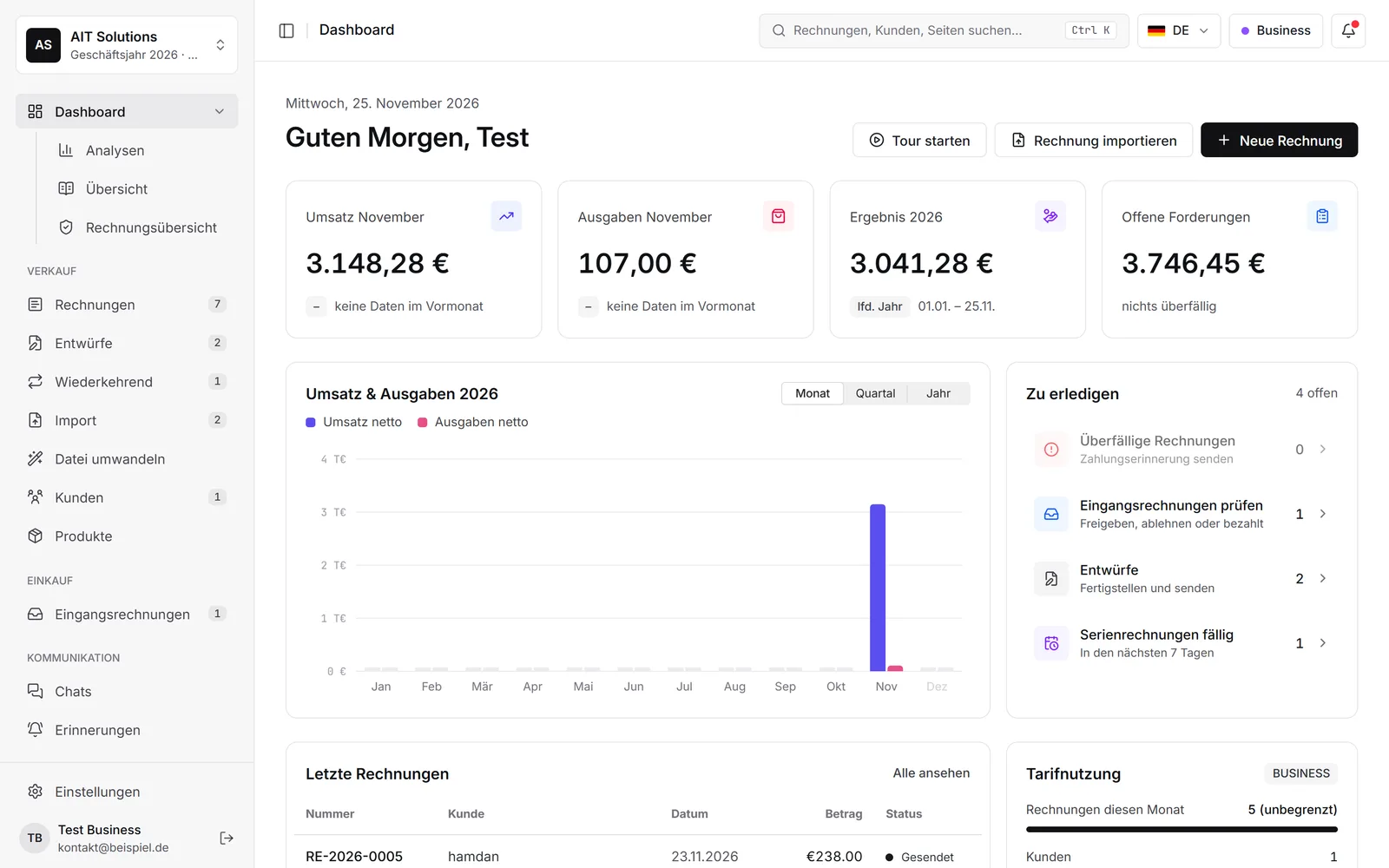
ezRechnung is a workspace for e-invoices according to the European standard EN 16931. You create invoices as XRechnung or ZUGFeRD, every invoice is checked with the official KoSIT validator before it goes out, you send it by e-mail or straight into your customer's inbox, and you receive your suppliers' e-invoices in one place. Everything runs in the browser; there is nothing to install.
Who is ezRechnung for?#
ezRechnung is built for businesses in Germany that write their own invoices: freelancers, sole traders, trades, agencies and small to medium-sized companies. You do not need to know anything about XML, syntaxes or business rules. You fill in a form, and ezRechnung turns it into a valid e-invoice.
Since 1 January 2025 every business in Germany must be able to receive e-invoices. From 2027 and 2028, sending e-invoices between businesses becomes mandatory as well.
What you can do with ezRechnung#
| Task | How it works in ezRechnung |
|---|---|
| Write invoices | Editor with customers, product catalog, discounts, net or gross prices |
| Validate | Every invoice is checked live and before it is issued with the KoSIT validator |
| Formats | XRechnung (XML), ZUGFeRD (PDF with XML), CII XML and a print PDF from one invoice |
| Send | By e-mail, through the ezRechnung inbox or as a file for public portals |
| Get paid | GiroCode, PayPal link, live status, payment reminders |
| Correct | Cancellation, correction and partial credit note, linked according to GoBD |
| Receive | Inbox for XRechnung and ZUGFeRD via upload, e-mail or the platform |
| Archive | Tamper-proof GoBD archive for 10 years, CSV and DATEV export |
Ready in four steps#
- 1
Create an account
Sign up for free with your e-mail address or Google. No credit card needed. Create an account
- 2
Set up your company
Enter your company name, address, contact details, VAT ID or tax number and IBAN. They appear on every invoice. Set up your company
- 3
Create your first invoice
Pick a customer, add line items, validate, create. About five minutes the first time. Your first e-invoice
- 4
Send it and get paid
Send it by e-mail or through ezRechnung and follow whether your customer approved and paid it.
What ezRechnung checks for you#
Before an invoice is created, ezRechnung converts your input into an XRechnung file and checks it with the KoSIT validator, the official validation tool also used by German public authorities. It checks the XML schema and about 200 business rules of EN 16931 and the XRechnung standard. You see the result as eight plain-language checks, for example "Seller details" or "Totals and VAT", each with a way to fix the problem directly.
An invoice that breaks a rule cannot be created. That way no invalid e-invoice ever reaches your customers.
Key terms#
- E-invoice: an invoice in a structured, machine-readable format according to EN 16931. A plain PDF is not an e-invoice.
- XRechnung: a pure XML file, mandatory for invoices to German public authorities.
- ZUGFeRD: a readable PDF with an embedded XML file, ideal for business customers.
- KoSIT validator: the official validation tool for e-invoices in Germany.
- Leitweg-ID: the e-invoicing address of a public authority.
- GoBD: German rules for keeping business records properly and unchangeably.
In this section
Was this page helpful?