
Getting started
Create an account and sign in
How to sign up for ezRechnung with e-mail or Google, sign in and reset your password. Free, no credit card needed.
An ezRechnung account is free and takes less than a minute to create. All you need is an e-mail address or a Google account. The Free plan never asks for a credit card.
Sign up#
- 1
Open the sign-up page
Go to ezrechnung.de and click Kostenlos starten (Start for free) in the top right.
- 2
Choose e-mail or Google
Continue with Google, or enter your e-mail address and a password.
- 3
Confirm your e-mail address
When you sign up with e-mail you receive a verification code. Enter it to activate your account. With Google this step is skipped.
- 4
Set up your company
Right after signing up, ezRechnung walks you through setting up your company. See Set up your company.
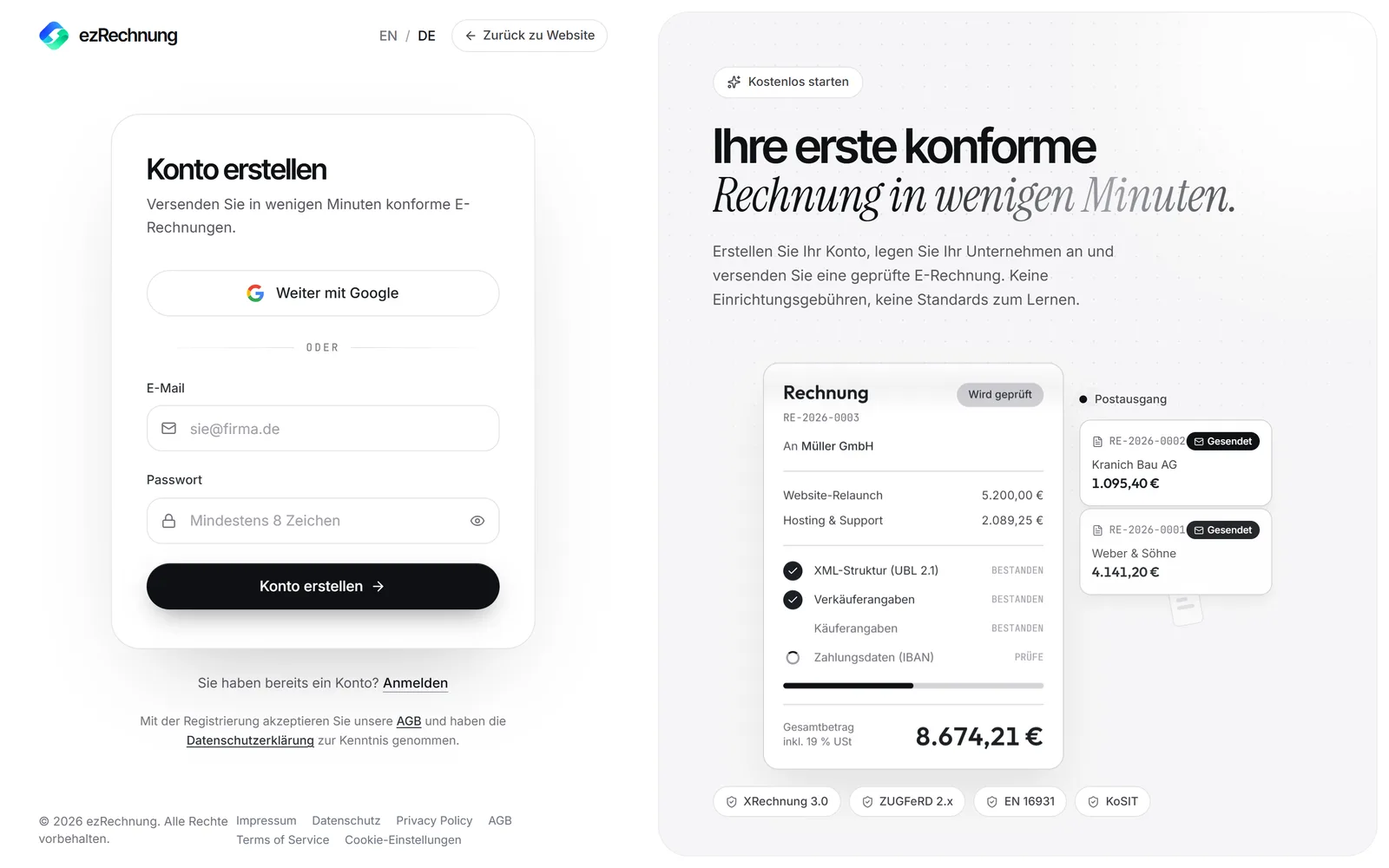
Sign in#
Go to ezrechnung.de and click Anmelden (Sign in). Use the same method you signed up with: Google or e-mail and password. After signing in, your dashboard opens.
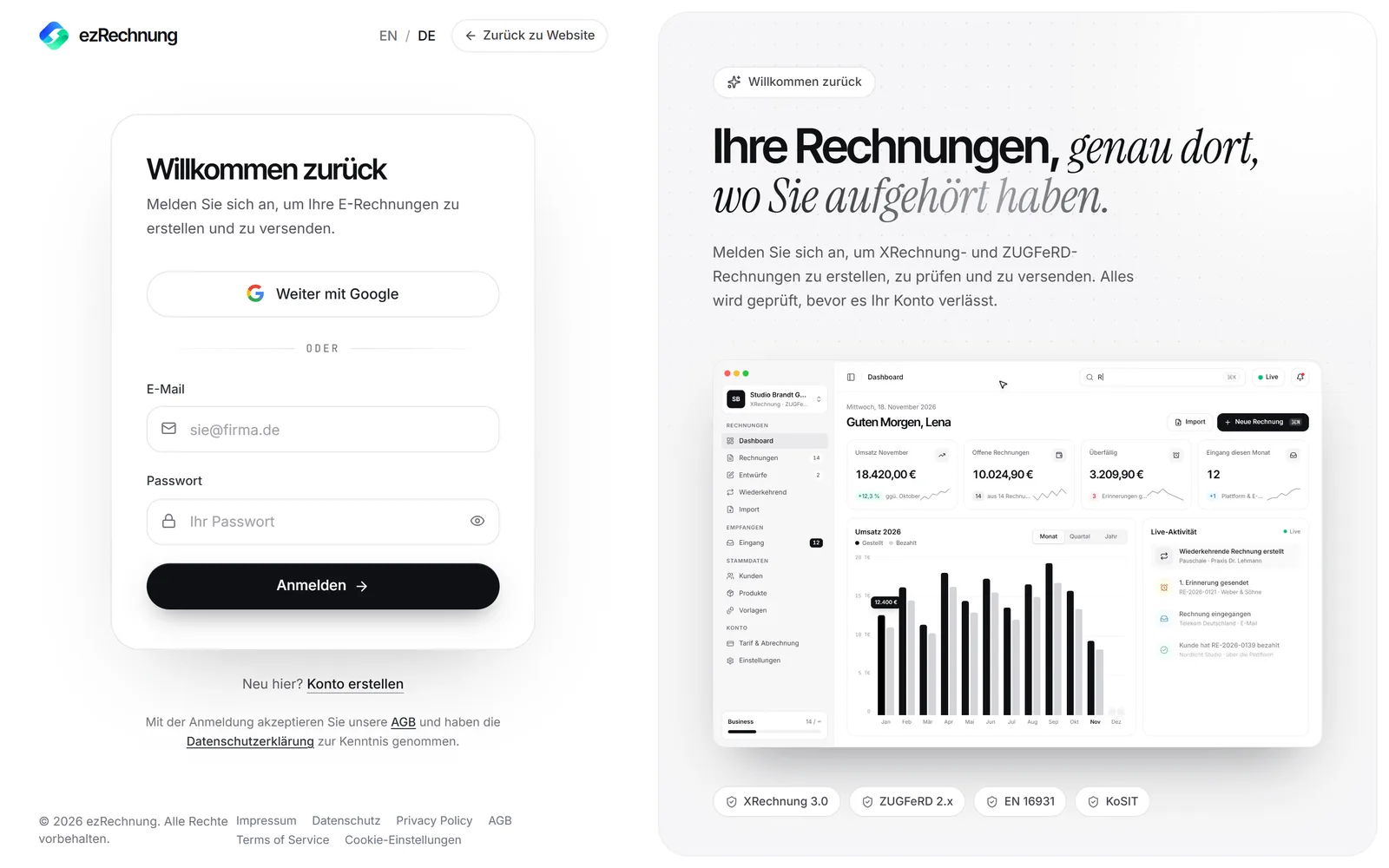
You stay signed in on your device until you sign out. On shared devices, always sign out when you are done.
Forgot your password#
- 1
Choose “Forgot password?” on the sign-in page
Enter your e-mail address first, then choose the option to reset your password.
- 2
Enter the code from the e-mail
Check your spam folder if it does not arrive. - 3
Set a new password
Choose a new, secure password. You are then signed in.
If you signed up with Google, there is no separate ezRechnung password. Simply sign in with Google again.
Switch the language#
ezRechnung is available in German and English. Switch any time with EN / DE in the header or under Settings.
Common problems#
I do not receive the verification e-mail. Check your spam folder and the spelling of the address, then request a new code after a minute.
Signing in with Google does not work. Allow pop-ups and cookies for ezrechnung.de and try again. Ad blockers can interfere with the sign-in.
I no longer have access to my e-mail address. Write to support@ezrechnung.de from an address that belongs to your company.
Was this page helpful?